Brand Guidelines
Last Updated: May 15, 2026
Welcome
These guidelines explain how to use the Bluesky brand assets. They are designed to make it easy to use our marks correctly and to keep the Bluesky brand clear and recognizable across the ecosystem.
These guidelines work alongside the Bluesky Trademark Policy. If they do not answer your question, contact trademarks@blueskyweb.xyz.
Our Marks
| Mark | Type | Owner |
|---|---|---|
| Bluesky | Word mark | Bluesky Social PBC |
| Bluesky butterfly logo | Design mark | Bluesky Social PBC |
You may download Bluesky's brand assets for use in accordance with these guidelines and Bluesky's Trademark policy here. These guidelines work alongside the Bluesky Trademark Policy. If they do not answer your question, contact trademarks@blueskyweb.xyz.
The Bluesky Logo
The Bluesky logo comes in two forms: the full logo (butterfly + wordmark) and the butterfly symbol (standalone).
Full logo. Use the full logo when introducing the Bluesky brand for the first time in a given context, in co-branding placements, and in any material where the audience may not already recognize the butterfly symbol on its own.
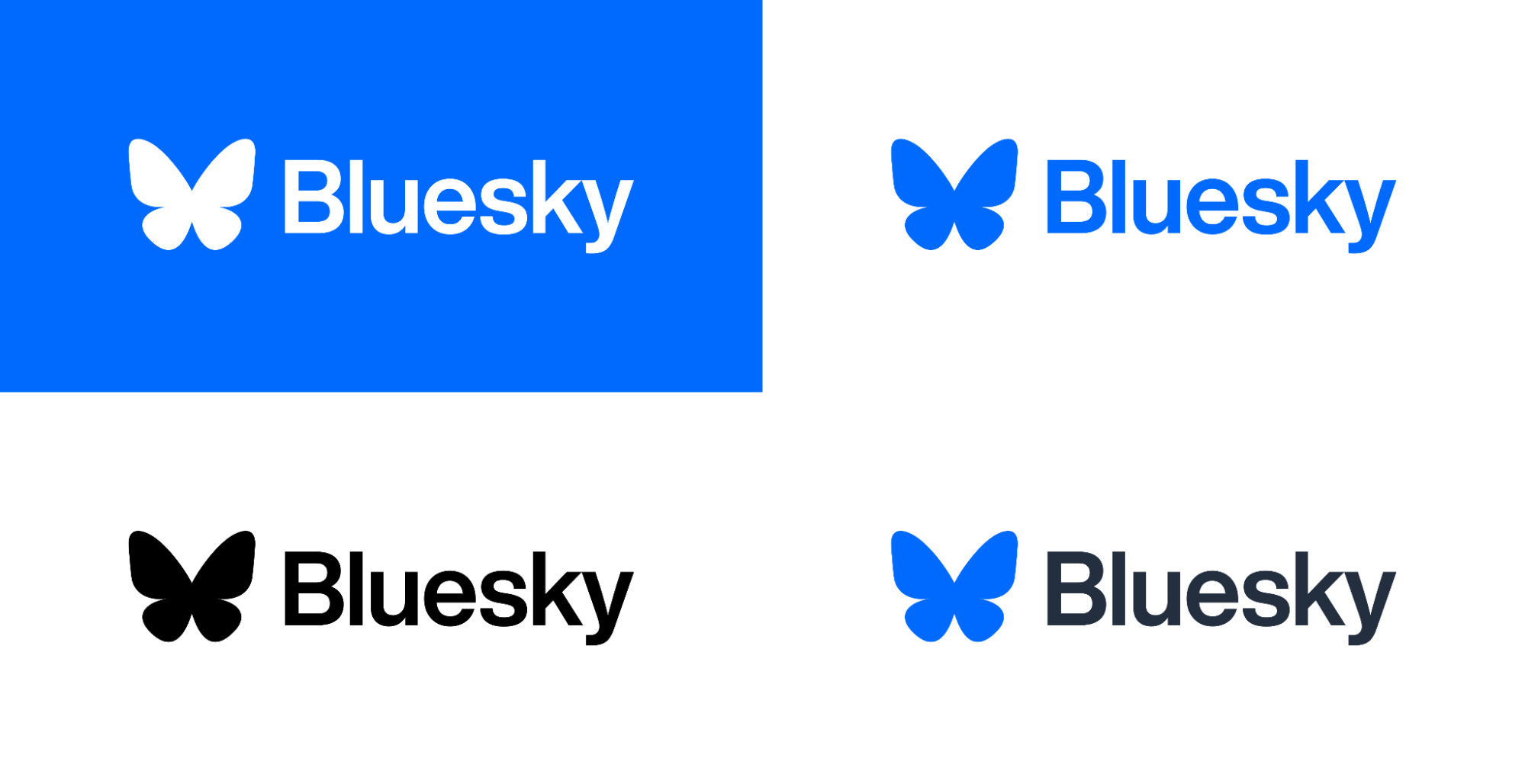
Butterfly symbol. Use the standalone butterfly only where the Bluesky brand is already clearly established, or as a social media icon linking to a Bluesky profile.

Both are available in three color variants:
| Variant | Use |
|---|---|
| White | Default. White on blue background. |
| Blue | Use on white or light backgrounds where a single-color mark is needed. |
| Black | Use on white or light backgrounds where a single-color mark is needed. |
| Blue and Black | Use on white or light backgrounds where a single-color mark is needed. |
Clear Space
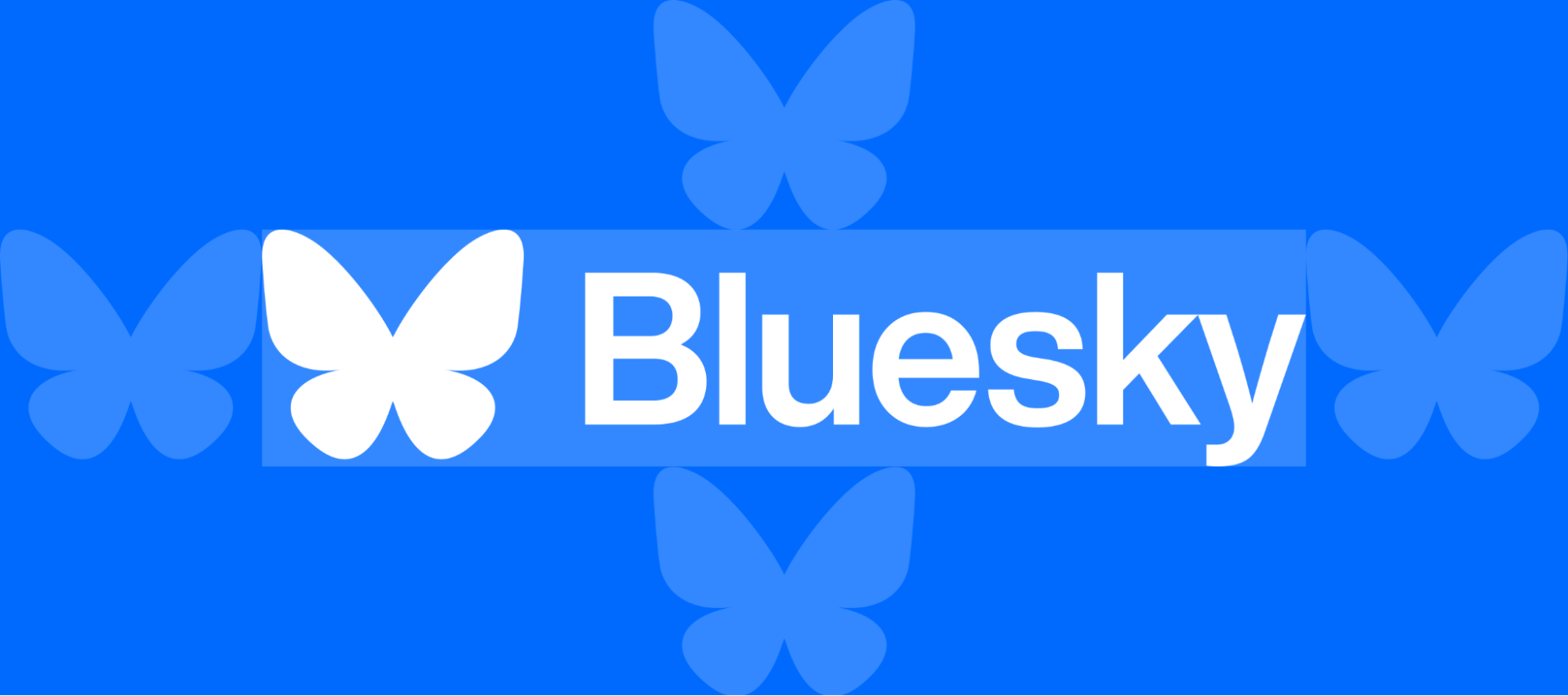
Maintain a clear area around the logo free of other text, images, or design elements. The minimum clear space on all sides is equal to the butterfly logo. No element should encroach on this space.
Colors
The Bluesky brand palette:
| Color | Name | Hex | Use |
|---|---|---|---|
| Blue500 | Blue | #0560FF | Primary brand color |
| Neutral0 | White | #FFFFFF | Logo or background |
| Neutral1000 | Black | #000000 | Logo or background |
| Neutral50 | Light Gray | #F9FAFB | Background |
| Neutral900 | Dark Gray | #232E3E | Bluesky text in wordmark |
| Blue300 | Light Blue | #75AFFF | Sky gradient |
When reproducing the butterfly logo in color, use only the official color values above. Do not substitute, tint, or approximate.
Typography
Bluesky uses platform-native typefaces to ensure a consistent, high-quality reading experience across devices:
| Platform | Typeface | Notes |
|---|---|---|
| Android | Inter | Open-source. Available at rsms.me/inter. |
| iOS | SF Pro | Apple system font. Ships with iOS; no separate license needed for in-app use. |
| Web / Marketing | Inter | Use Inter as the default for web properties and marketing materials where a brand-consistent typeface is needed. |
Do's and Don'ts: Bluesky Logo
Do:
- Use the logo in its official form, downloaded from this page
- Use the butterfly as a social media icon to link to a Bluesky profile
- Use a monochrome (black or white) variant when displaying alongside other social media icons
- Maintain the clear space and minimum size requirements
- Keep your own brand at least as prominent as the Bluesky logo
Don't:
- Recolor the logo (other than the approved black and white variants)
- Stretch, rotate, skew, or distort the logo
- Add effects such as drop shadows, gradients, outlines, or glows
- Place the logo on a busy or low-contrast background
- Combine the logo with other logos, icons, or design elements
- Animate the logo
- Use the logo as your own app icon, company logo, or product logo
- Crop or display only a portion of the logo
- Recreate or redraw the logo
Writing "Bluesky"
| Form | Rule |
|---|---|
| Bluesky | Always capitalize the B and only the B. One word, no space. |
| BlueSky | Never use camelCase. |
| Blue Sky | Never write as two words. |
| bluesky | Never use all lowercase in running text (acceptable in URLs and handles only). |
| BLUESKY | Never use all caps in running text (acceptable in design elements at the designer's discretion). |
Use "Bluesky" as an adjective: "the Bluesky platform," "a Bluesky account." Not as a noun ("I posted on a Bluesky") or a verb ("I Blueskied it").
Do not abbreviate to "BS" or "Bsky" in public-facing materials (the handle prefix @_____.bsky.social is a product convention, not a brand abbreviation).
Referring to the Company vs. the Platform
| Context | Preferred Phrasing |
|---|---|
| The platform/app | "on Bluesky," "the Bluesky app," "the Bluesky platform" |
| The company | "Bluesky" or "the Bluesky team" |
| The legal entity | "Bluesky Social, PBC" |
| The protocol | "the AT Protocol" on first use and "atproto" thereafter (never "the Bluesky protocol") |
| The protocol ecosystem | "The Atmosphere" |
Social Media Icons
You do not need permission to use the Bluesky butterfly as a social media icon, provided that:
- You use the official butterfly symbol or a standard monochrome (black or white) variant
- The icon links to your Bluesky profile (or, where a hyperlink is not possible, appears adjacent to your Bluesky handle)
- The icon is sized consistently with other social media icons displayed alongside it
- The icon does not imply that Bluesky endorses you, your content, or your organization
A downloadable social icon kit with recommended sizes is available at /support/icons.
Community and Developer Use
Bluesky encourages the developer and creator communities to build on the AT Protocol and to participate in the Bluesky ecosystem. The following is a quick reference for common community use cases. The full rules are in the applicable Trademark Policy.
| Use Case | Bluesky Marks |
|---|---|
| Linking to your profile with the butterfly icon | No permission needed |
| Describing your app as compatible | No permission needed ("a client for Bluesky") |
| Naming your app with the mark | Not permitted |
| Using the mark in a domain name | Not permitted |
| Community meetup or event | Requires permission |
| Merchandise | Requires permission |
| Blog post, tutorial, or video | No permission needed |
| Academic research or publication | No permission needed |
| Open-source project README | No permission needed (describe, don't brand) |
To request permission, email us at trademarks@blueskyweb.xyz.
Cobranding
If you have a formal partnership, sponsorship, or integration with Bluesky and need to use our marks alongside your own, email us at trademarks@blueskyweb.xyz to discuss cobranding guidelines specific to your arrangement. General cobranding principles:
- Your brand must be at least as prominent as the Bluesky mark
- Marks must be visually separated (do not merge logos)
- A disclaimer of affiliation may be required depending on the context
Legal
The Bluesky name and butterfly logo are trademarks of Bluesky Social PBC. All rights reserved. Use of these marks is subject to the Bluesky Trademark Policy.
This page provides guidelines for brand asset usage. It does not grant any trademark license. Permission to use Bluesky trademarks beyond the pre-approved uses described in the Trademark Policies requires a separate agreement, which may be obtained by contacting trademarks@blueskyweb.xyz.
Standard copyright notice: © 2026 Bluesky Social, PBC. All rights reserved.
Standard disclaimer: "[Project/Product Name] is not affiliated with, endorsed by, or officially connected to Bluesky Social PBC."
Downloads
| Asset | Formats | Link |
|---|---|---|
| Bluesky full logo (color, black, white) | SVG, PNG | /support/icons |
| Butterfly symbol (color, black, white) | SVG, PNG | /support/icons |
| Social media icon kit | SVG, PNG (multiple sizes) | /support/icons |
Assets provided for use in accordance with these guidelines and applicable Trademark Policy.